
Introduction
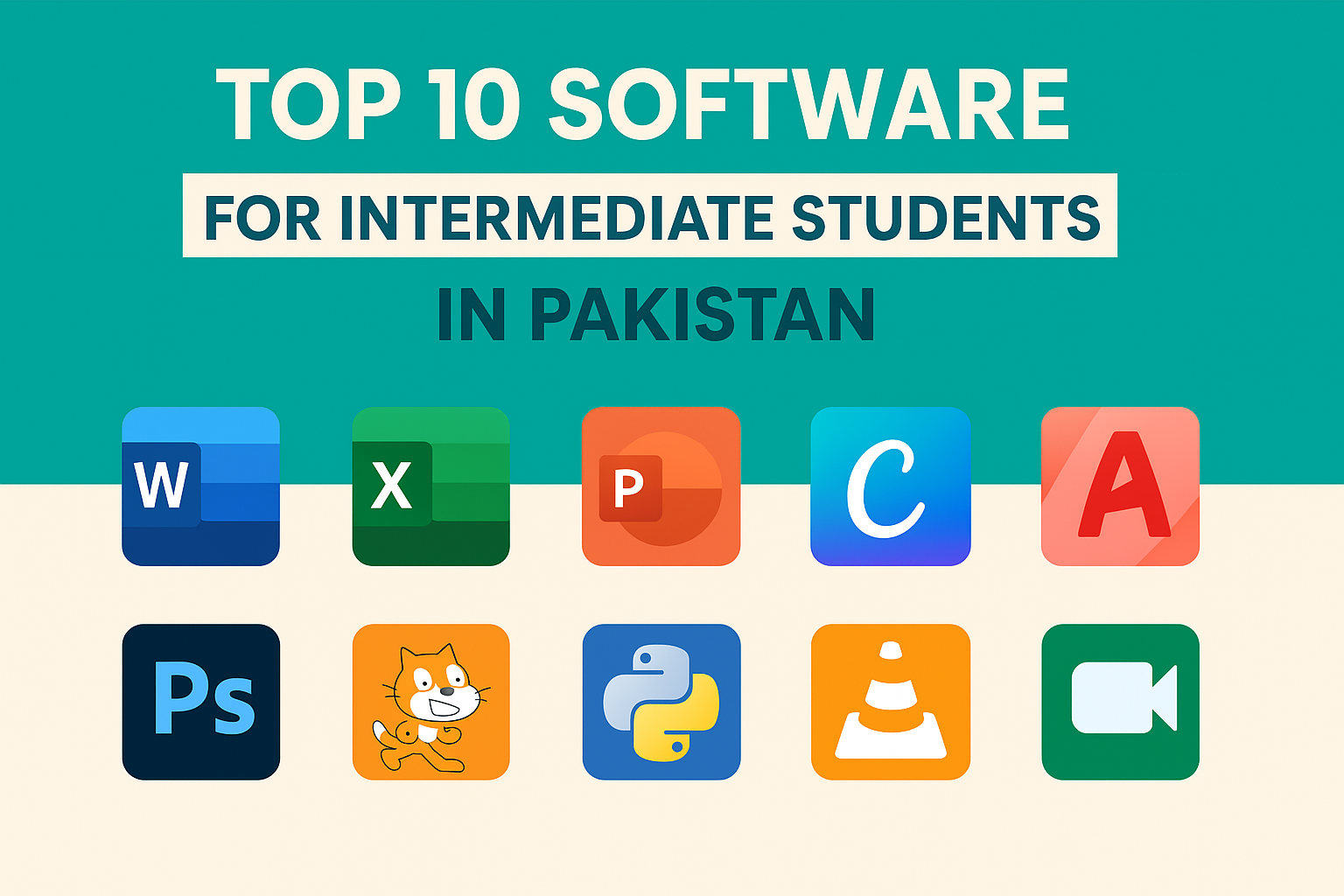
In today’s digital era, knowing how to use technology isn’t optional — it’s essential. For intermediate students in Pakistan (FA, FSC, ICS, ICOM, DAE), learning the right software early can open the doors to higher education success, freelancing opportunities, and career growth.
Whether you want to study engineering, business, IT, or arts, having software skills will make your academic journey smoother and your resume stronger. In this article, we’ll explore the top 10 software every intermediate student should learn, along with their benefits, learning sources, and how they can help you in the future.
1. Microsoft Office Suite (Word, Excel, PowerPoint)
Why You Should Learn It
Microsoft Office is the foundation of computer literacy. Almost every educational and professional task requires one or more of these tools.
Key Skills to Learn
| Software | Main Use | Skill Example |
|---|---|---|
| Word | Writing assignments, reports | Formatting text, inserting tables, citations |
| Excel | Managing data and budgets | Formulas, charts, and data analysis |
| PowerPoint | Making presentations | Transitions, animations, slide design |
Learning Platforms
- YouTube tutorials (Pakistani channels like “Learn with Faiq”)
- Microsoft Learn (official site)
- Coursera’s free Office Basics course
Career Relevance
✅ Essential for university work, job applications, and office jobs.
✅ Builds documentation and analytical skills.
2. Google Workspace (Docs, Sheets, Slides, Drive)
Why You Should Learn It
Google Workspace is the cloud-based version of Microsoft Office — and it’s free! Many universities and offices now prefer Google tools for collaboration.
What to Focus On
- Google Docs for real-time essay writing
- Google Sheets for managing budgets or data
- Google Slides for class presentations
- Google Drive for safe cloud storage
Benefits
- Auto-saves work online
- Easy to share and collaborate
- Works on any device
Where to Learn
- Google Workspace Training
- YouTube (“Google for Education” channel)
3. Canva (Graphic Design & Creativity)
Why It’s Important
Canva is one of the easiest and most popular design tools. You can use it to design posters, resumes, presentations, and even social media content.
What You Can Create
| Type | Example |
|---|---|
| Posters | College event poster |
| Presentations | Visual slides for class |
| Resumes | Attractive CV designs |
| Instagram Posts | Educational content |
Benefits for Students
- Free student templates
- Builds creativity and design thinking
- Helps in freelance work
Learning Resources
- Canva Design School (official)
- YouTube tutorials
4. Typing Software (TypingMaster, KeyBlaze, Ratatype)
Why Typing Skills Matter
Typing fast and accurately saves hours of time. As you move to university or professional life, typing speed becomes a real asset.
What to Focus On
- Typing accuracy
- Keyboard shortcuts
- Touch typing (without looking at the keyboard)
Recommended Tools
| Software | Platform | Cost |
|---|---|---|
| TypingMaster | Windows | Free |
| KeyBlaze | Windows/Mac | Free |
| Ratatype | Online | Free |
Career Relevance
✅ Helps in report writing, online tests, and office tasks.
✅ Improves productivity for students and freelancers.
5. AutoCAD (For Engineering and Technical Students)
Why It’s Important
If you’re studying FSc Pre-Engineering or DAE, learning AutoCAD early will give you an edge in design and mechanical drawing.
Uses
- 2D drafting and 3D modeling
- Architecture, civil, or mechanical design
Learning Platforms
- YouTube (“CAD in Urdu” channel)
- Autodesk Academy (free tutorials)
Career Relevance
- Used in engineering universities and technical jobs
- Great for freelancing (AutoCAD projects are in high demand)
6. Adobe Photoshop (For Creative and Arts Students)
Why Learn Photoshop
If you’re an FA Arts or ICS student, Photoshop helps you explore creativity through digital art, logo design, and photo editing.
Key Skills
| Skill | Example |
|---|---|
| Image Editing | Adjust brightness and contrast |
| Logo Design | Create a custom logo |
| Social Media Design | Make banners and thumbnails |
Learning Platforms
- Adobe Creative Cloud tutorials
- YouTube (e.g., “GFX Mentor” – Urdu channel)
Career Relevance
✅ Freelancing on Fiverr/Upwork
✅ Graphic design internships
✅ Personal branding and digital content creation
7. Programming Software (Python, C++, or Scratch)
Why It’s Important
For ICS students, learning to code is crucial. Programming builds logic, creativity, and future career skills.
Best Tools for Beginners
| Software | Best For | Description |
|---|---|---|
| Scratch | Beginners | Visual drag-and-drop programming |
| Python | Intermediate | Easy and widely used language |
| C++ | Advanced | Foundation for computer science students |
Where to Learn
- W3Schools
- YouTube (“Code with Harry”)
- freeCodeCamp
Career Relevance
- Prepares for computer science degrees
- Opens doors to software engineering and AI careers
8. Adobe Premiere Pro or CapCut (Video Editing)
Why Video Editing Matters
Content creation is one of the fastest-growing fields. Learning video editing can help you start a YouTube channel, make class projects, or work as a freelancer.
Popular Software
| Software | Skill Level | Features |
|---|---|---|
| CapCut | Beginner | Free, mobile-friendly |
| Adobe Premiere Pro | Advanced | Professional editing tools |
Learning Platforms
- YouTube (“Tech Urdu,” “Mosh Studio”)
- Skillshare / Coursera
Career Relevance
✅ Freelancing and YouTube content creation
✅ Marketing and media internships
9. SPSS or Excel for Data Analysis
Why Learn Data Analysis
Understanding data is valuable in commerce, statistics, and research. SPSS (Statistical Package for the Social Sciences) helps you analyze trends and make data-driven conclusions.
Alternatives for Beginners
If SPSS feels too advanced, start with Excel — it has built-in formulas for calculations and charts.
Uses
- Data visualization
- Research reports
- Business case studies
Learning Sources
- IBM SPSS tutorials
- ExcelJet.net (Excel formulas guide)
Career Relevance
- Useful for business, economics, and social science students
- Adds analytical skills to your resume
10. Internet & Cyber Safety Skills
Why This Is Essential
Before using any software, students should know how to stay safe online. Understanding digital security protects your data and reputation.
What to Learn
| Topic | Importance |
|---|---|
| Email safety | Avoid phishing scams |
| Social media privacy | Protect your personal data |
| Cloud storage security | Secure your files |
Recommended Platforms
- Google Digital Garage (free course on digital safety)
- YouTube tutorials in Urdu
Benefits
✅ Safer browsing
✅ Prevents online frauds
✅ Builds responsible digital habits
Bonus: Free Online Tools Every Student Should Try
| Tool | Purpose | Website |
|---|---|---|
| Grammarly | Grammar correction | grammarly.com |
| Trello | Task management | trello.com |
| Notion | Study notes & planning | notion.so |
| ChatGPT | Study assistant | chat.openai.com |
| Coursera | Online courses | coursera.org |
Conclusion
Learning these top 10 software in your intermediate years can give you a strong digital foundation for higher education and future jobs. Whether you plan to study medicine, engineering, business, or arts — technology will be part of your journey.
Don’t wait until university to start learning. Most of these tools are free or low-cost, and you can easily learn them through YouTube, Google courses, or online academies.
By investing just one hour daily, you’ll not only build valuable digital skills but also prepare yourself for freelancing, entrepreneurship, and global opportunities.




1 thought on “Top 10 Software Every Intermediate Student Should Learn in Pakistan”